HITB GSEC 2017 / Published
Simple Transfer
Recovering a PDF sent over NFS from a packet capture, then converting it to HTML with pdftohtml to reveal the flag.
The file contains a flag, find it.
Recovering the PDF from NFS traffic
In this challenge, we are provided with a packet capture (pcap) file. Let’s start off by examining this pcap file in Wireshark.
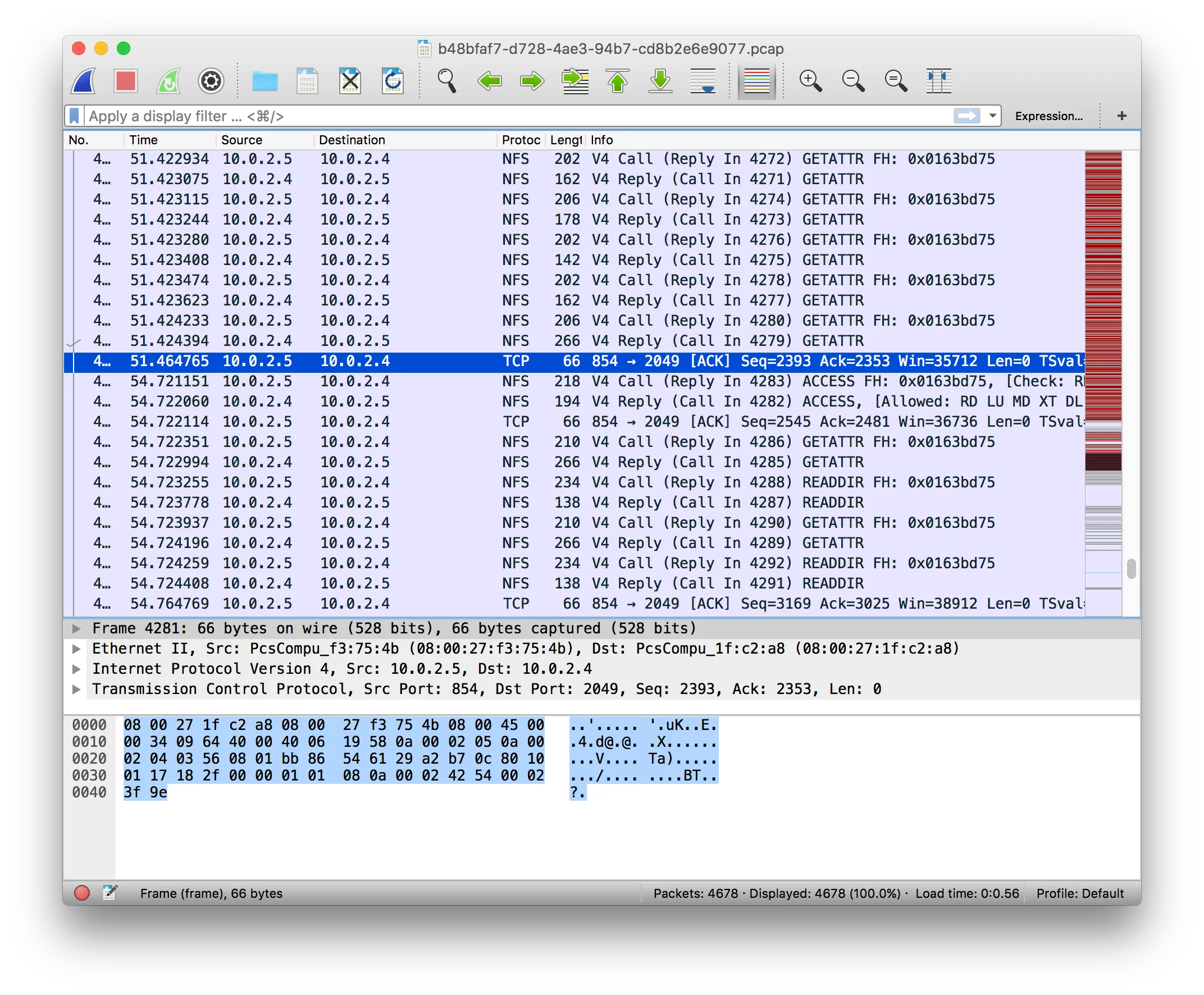
As seen in the image above, we noticed a whole lot of Network File System (NFS) protocol packets being exchanged. This could perhaps hint to a file transfer taking place. Let’s have a look at this by following the TCP stream of this communication.
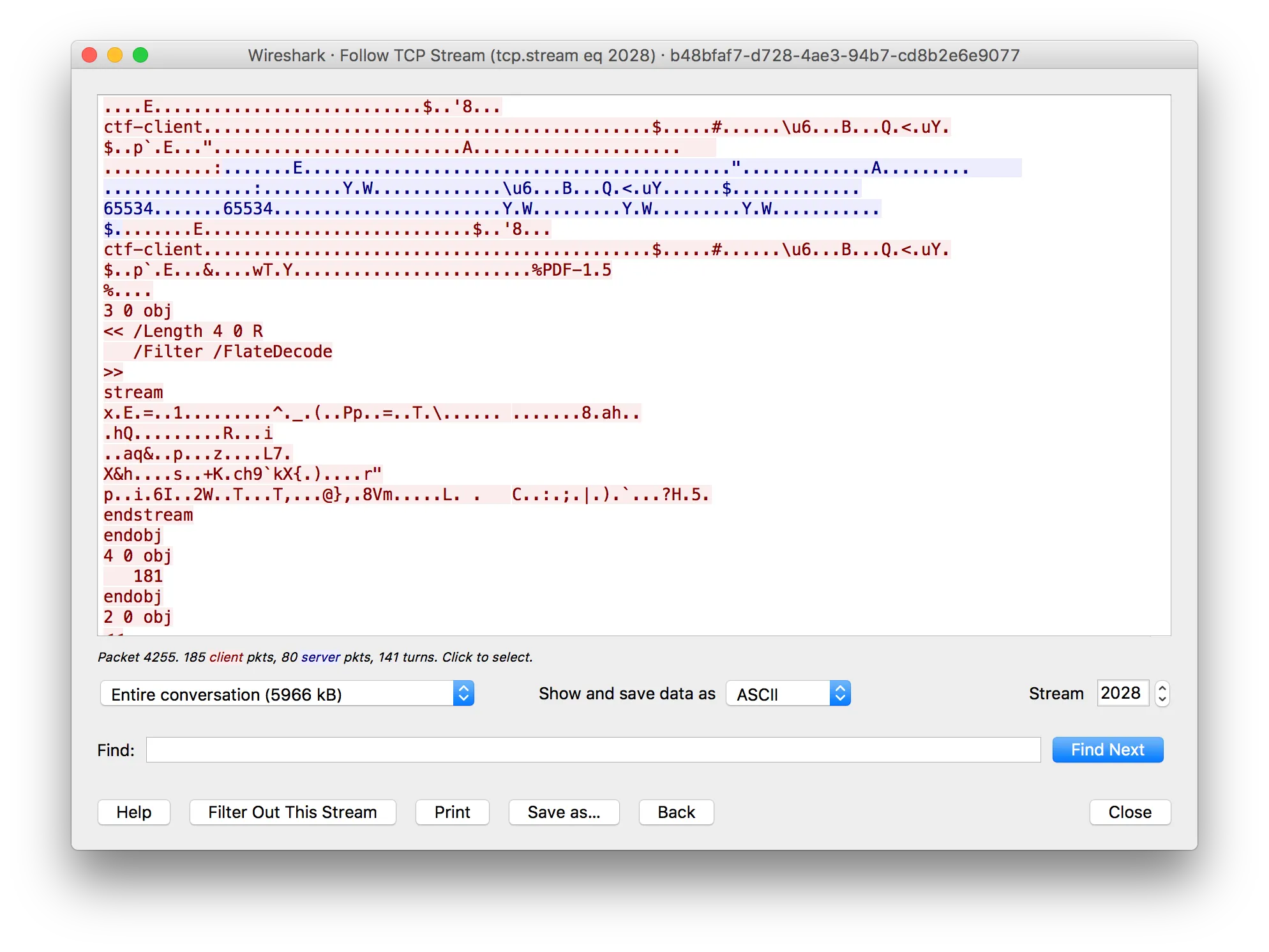
While looking through the data, we observe the presence of the string %PDF-1.5, which is the header for a PDF file. We can now conclude that a PDF file has been transmitted in this exchange, and proceed to attempt to recover the file.
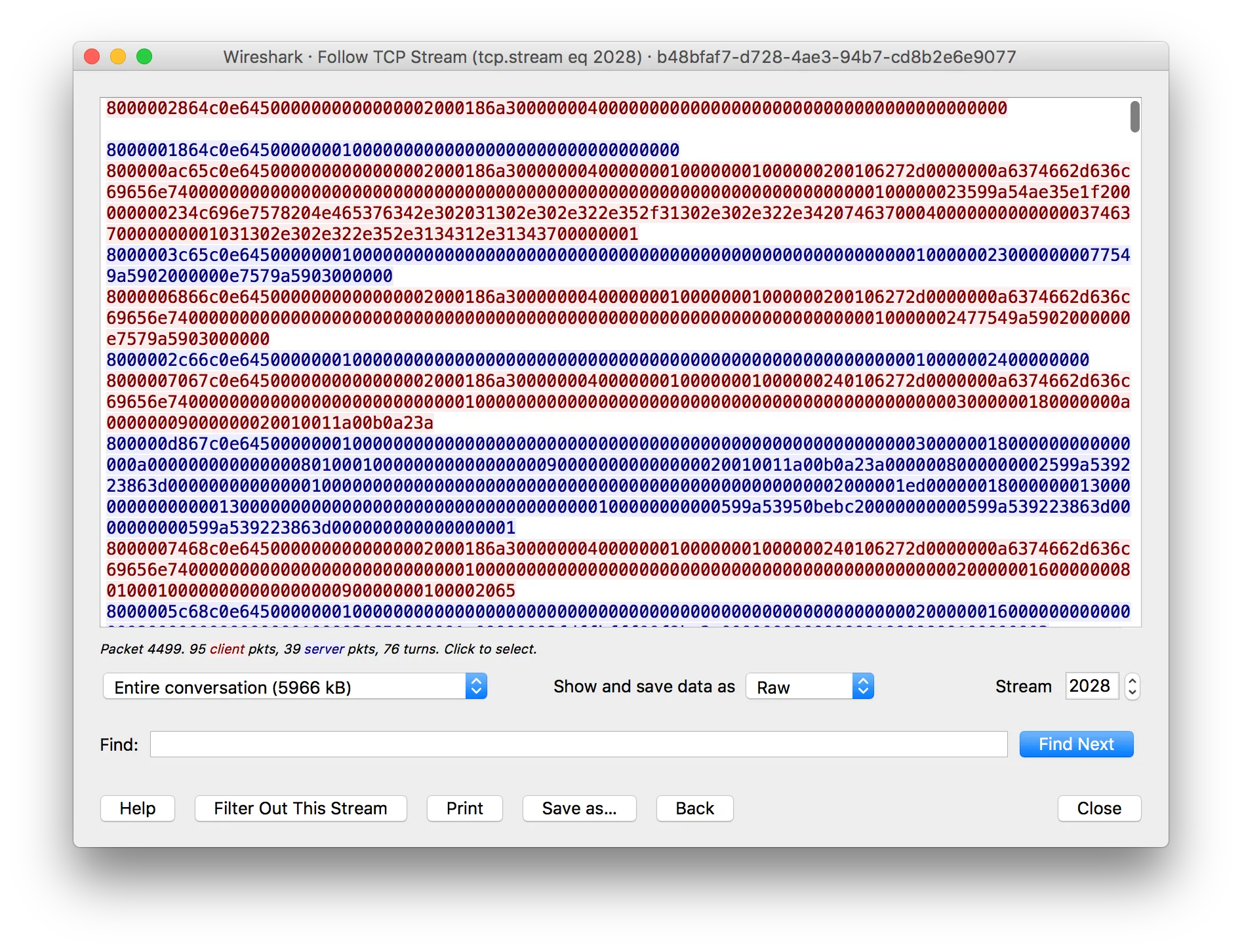
In order to recover the file, we’ll set the Show and save data as option in Wireshark to Raw and proceed to export the file. This saves the whole conversation rather than just the file, so NFS headers and replies end up before, inside, and after the PDF. Some PDF readers are lenient about this, so we’ll just try our luck and save the file with a .pdf extension directly.
Revealing the flag in the recovered PDF
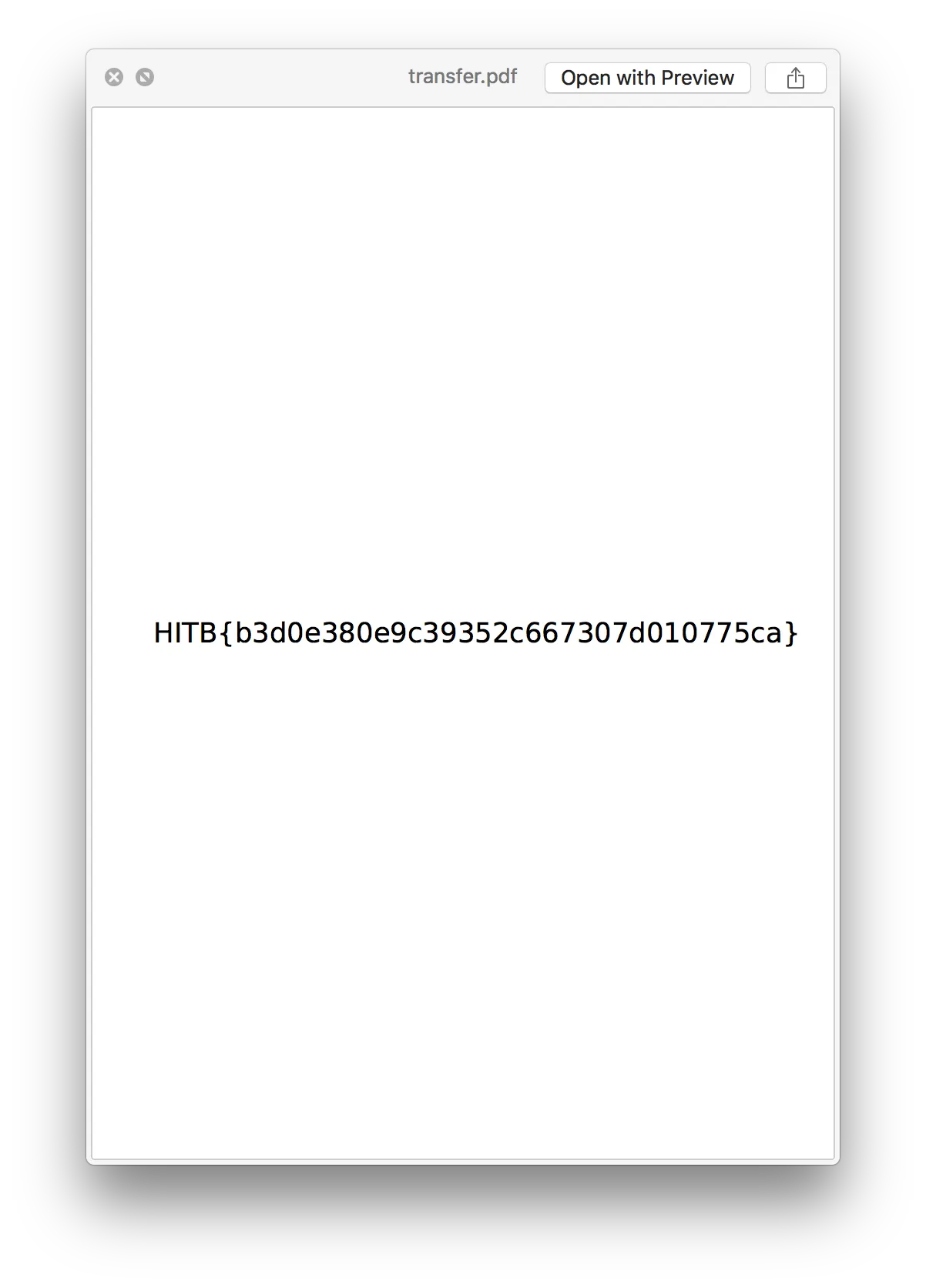
At the point, we can actually view the flag directly in the macOS finder preview window as seen above. However, let’s work with the assumpution that this doesn’t work in the interest of a more interesting writeup.
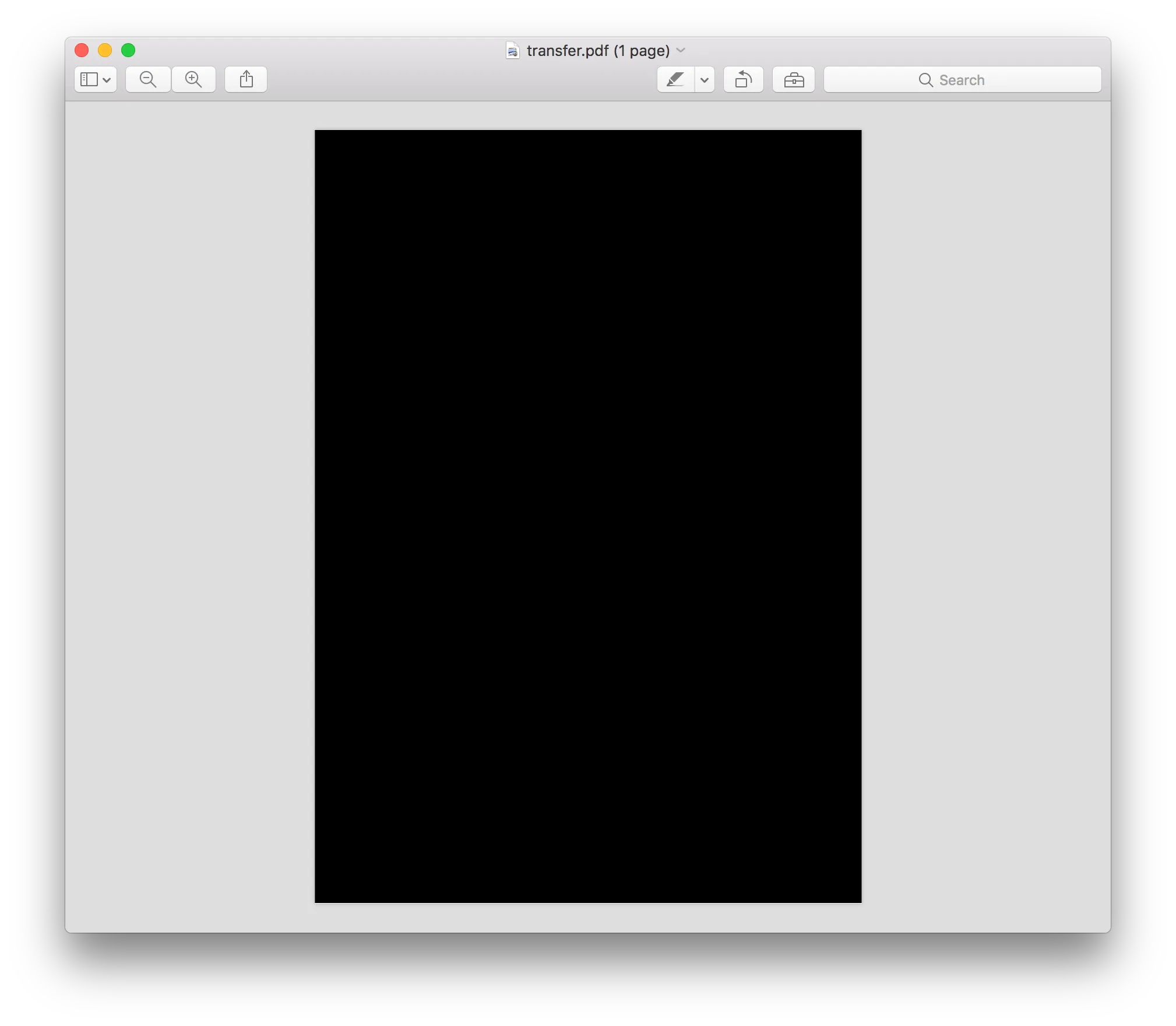
The image above when we open the image in Preview - all we get is a black page. Additionally, opening the PDF in chrome would just outright throw us an error. We can actually resolve this (and most other CTF challenges with hidden elements in PDFs) by converting the PDF into HTML.
ubuntu@ubuntu-zesty:/vagrant/simpletransfer$ pdftohtml transfer.pdf
Syntax Warning: May not be a PDF file (continuing anyway)
Syntax Error (12766): Illegal character ')'
Syntax Error (327972): Unexpected end of file in flate stream
Page-1

ubuntu@ubuntu-zesty:/vagrant/simpletransfer$ ls -l
total 6252
-rw-r--r-- 1 ubuntu ubuntu  419445 Aug 27 17:04 transfer-1_1.png
-rw-r--r-- 1 ubuntu ubuntu     317 Aug 27 17:04 transfer.html
-rw-r--r-- 1 ubuntu ubuntu     195 Aug 27 17:04 transfer_ind.html
-rw-r--r-- 1 ubuntu ubuntu 5966792 Aug 27 17:04 transfer.pdf
-rw-r--r-- 1 ubuntu ubuntu     732 Aug 27 17:04 transfers.html
As seen above, transfers.html was generated from transfer.pdf using the tool pdftohtml.
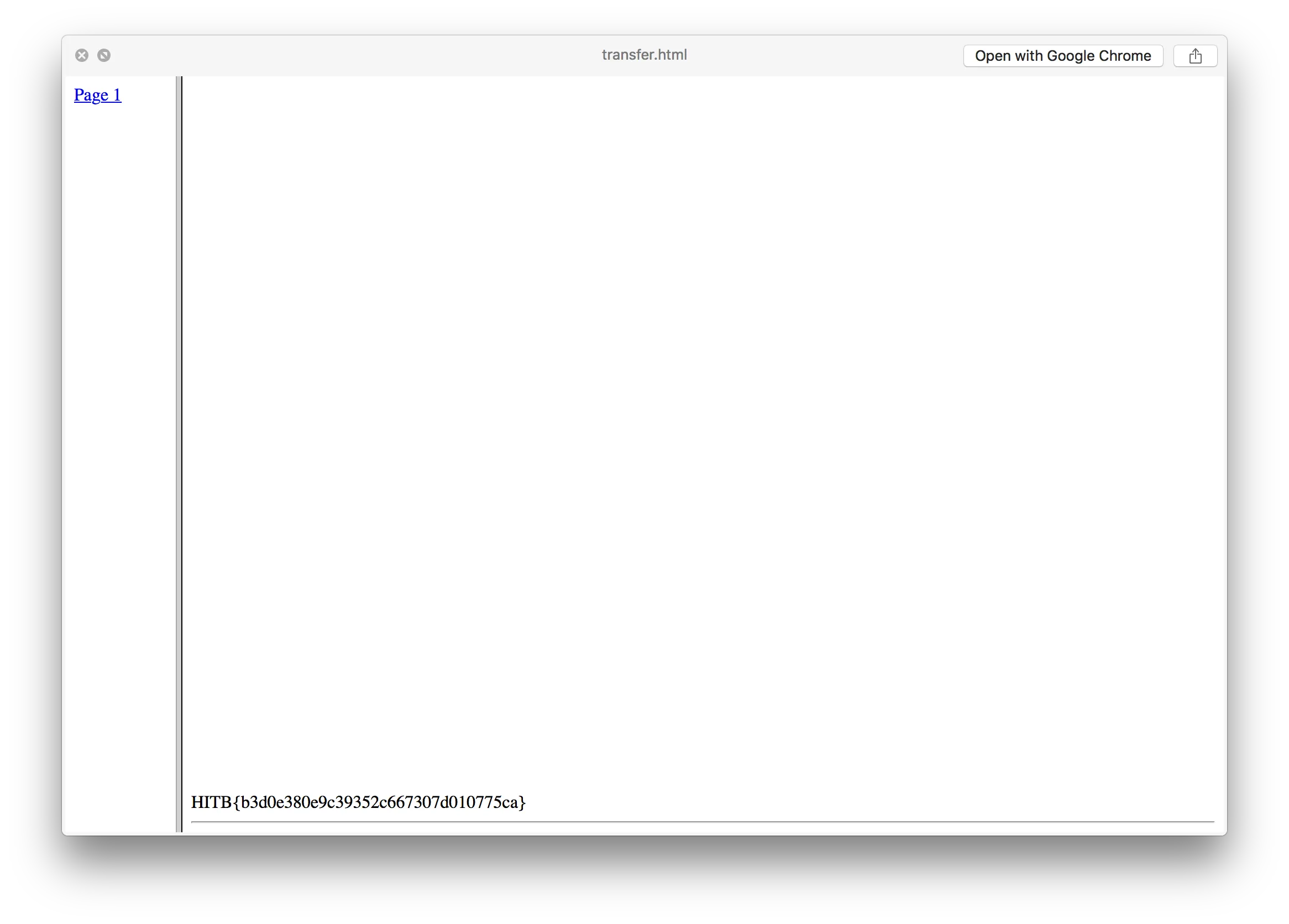
When we open transfers.html and scroll to the bottom, we can see the flag.
Result
Flag: HITB{b3d0e380e9c39352c667307d010775ca}